Merge, split, extract, reorder, rotate, delete, and duplicate pages.
Documents module
PDF Tools
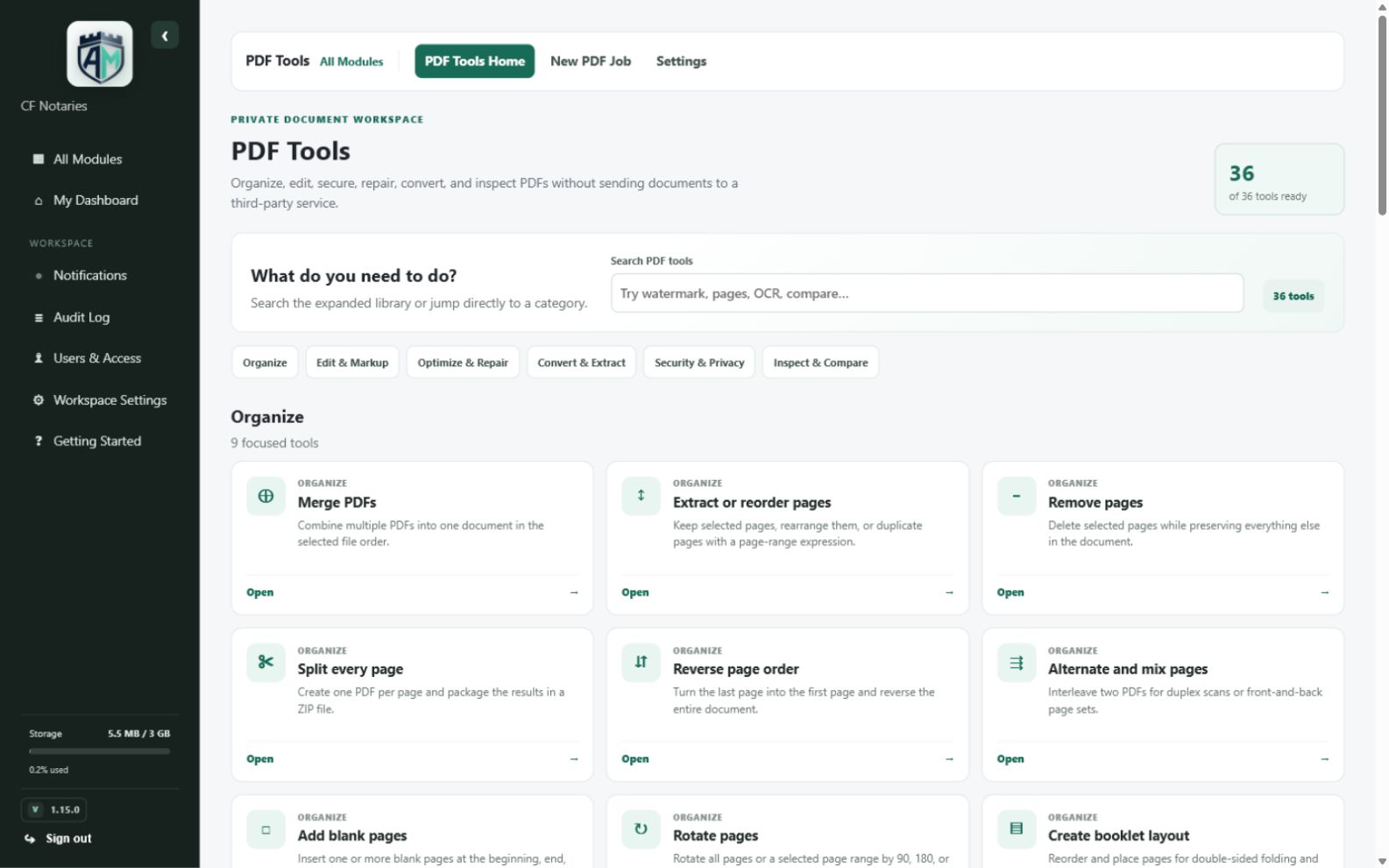
Organize, edit, secure, repair, inspect, and transform PDFs.
A focused PDF workspace backed by a private processing engine, with tools grouped by real tasks so users can move from uploaded documents to clean outputs quickly.
Core capabilities
What PDF Tools can do
Designed to make the complete workflow understandable, repeatable, and easy to manage from the same workspace as your other business tools.
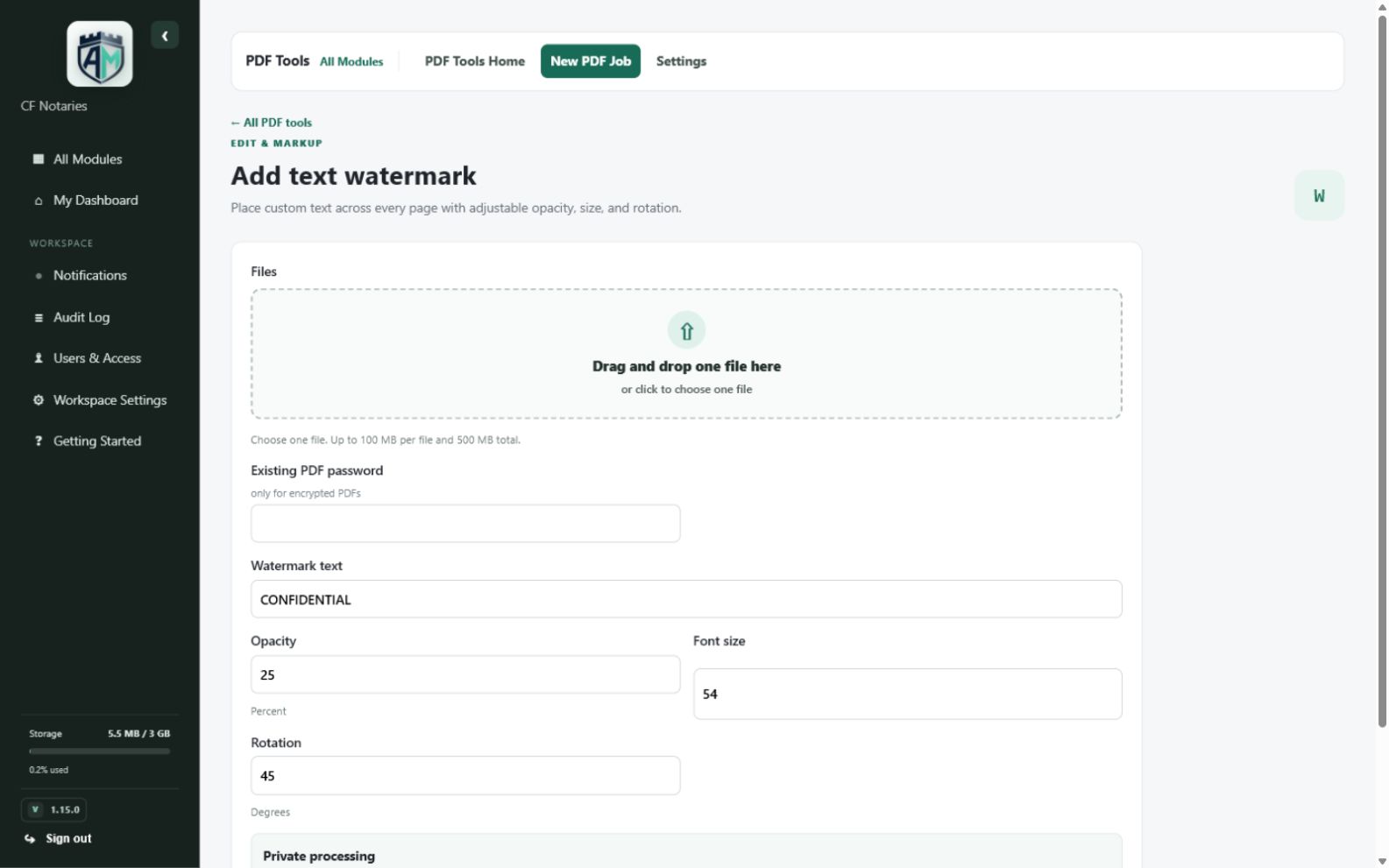
Add text or image watermarks, page numbers, headers, footers, and overlays.
Compress, flatten, repair, sanitize, inspect, compare, and validate PDF files.
Protect documents with passwords, remove protection when authorized, and apply common security controls.
Convert PDFs to images and supported office formats, or create PDFs from supported source files.
Process files through a private Docker engine and automatically clean temporary job data.
How it works
From setup to useful result
Assemble a final packet
Merge source PDFs, arrange pages, add numbering, then download one finished file.
Prepare a safer copy
Inspect, sanitize, flatten, and protect a document before distribution.
Repair a troublesome PDF
Run structural repair or conversion when a document will not open or print correctly.
Product gallery
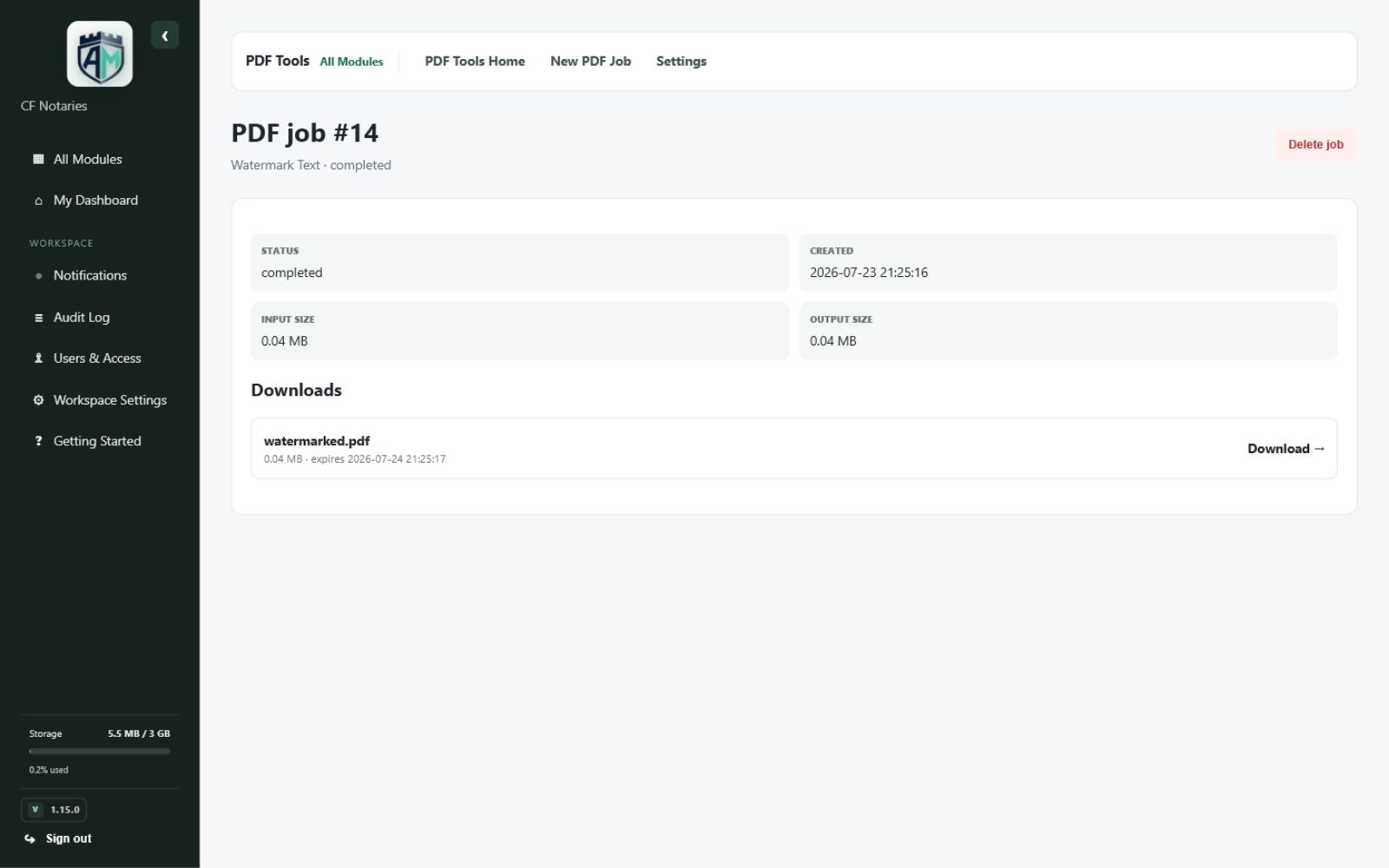
See the real Armory Mint experience.
Explore genuine views captured from the working module, from the main workspace through focused tools and completed results.
Part of the complete workspace
Useful alone. Better when connected.
PDF Tools shares the same responsive interface, account controls, permissions, business identity, and storage awareness as the rest of Armory Mint.
- One sign-in and business workspace
- Role-aware access for team members
- Mobile-friendly daily workflows
- Clear records, downloads, and audit context
Organize, edit, secure, repair, inspect, and transform PDFs.
Armory Mint is available through a private invitation with access tailored by module.