
Convert office documents, spreadsheets, presentations, text, markup, and e-book formats.
Utilities module
File Converter
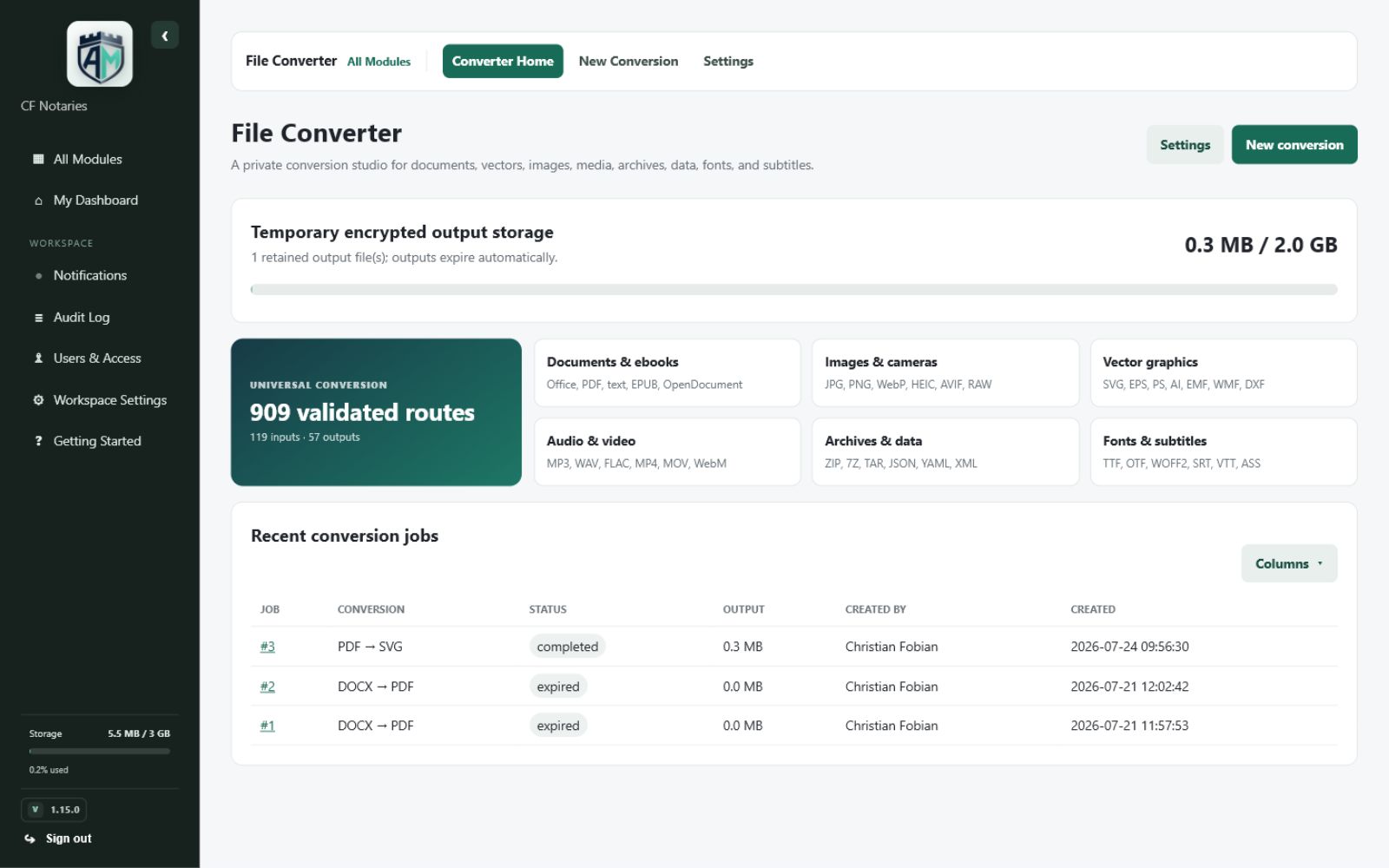
Convert documents, vectors, images, media, data, archives, fonts, and subtitles.
A private conversion workspace designed for far more than basic office files, with broad format coverage and a dedicated processing engine.
Core capabilities
What File Converter can do
Designed to make the complete workflow understandable, repeatable, and easy to manage from the same workspace as your other business tools.
Work with raster images plus vector formats including SVG, EPS, PS, AI, EMF, WMF, and DXF where supported.
Convert common audio and video formats with practical output choices.
Handle archives, structured data, fonts, and subtitle formats from one interface.
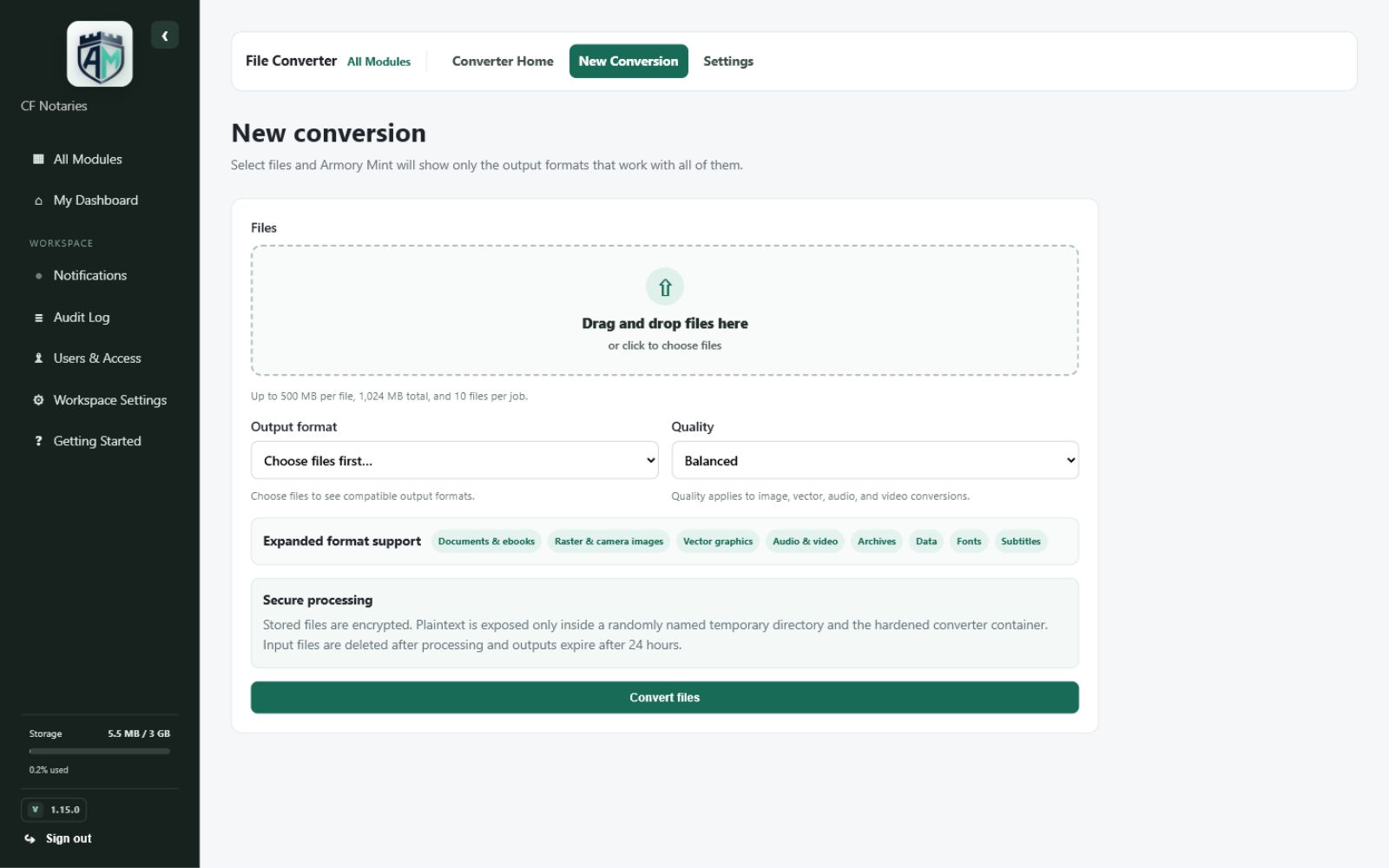
Validate extension, file size, job size, and output before presenting downloads.
Use private Docker processing with encrypted retained outputs and automatic expiration.
How it works
From setup to useful result
Normalize client files
Turn mixed source formats into a standard format your team can open and archive.
Prepare web assets
Convert vector or image source files into delivery-friendly alternatives.
Handle media handoffs
Create a compatible audio, video, font, subtitle, or archive output without a separate service.
Product gallery
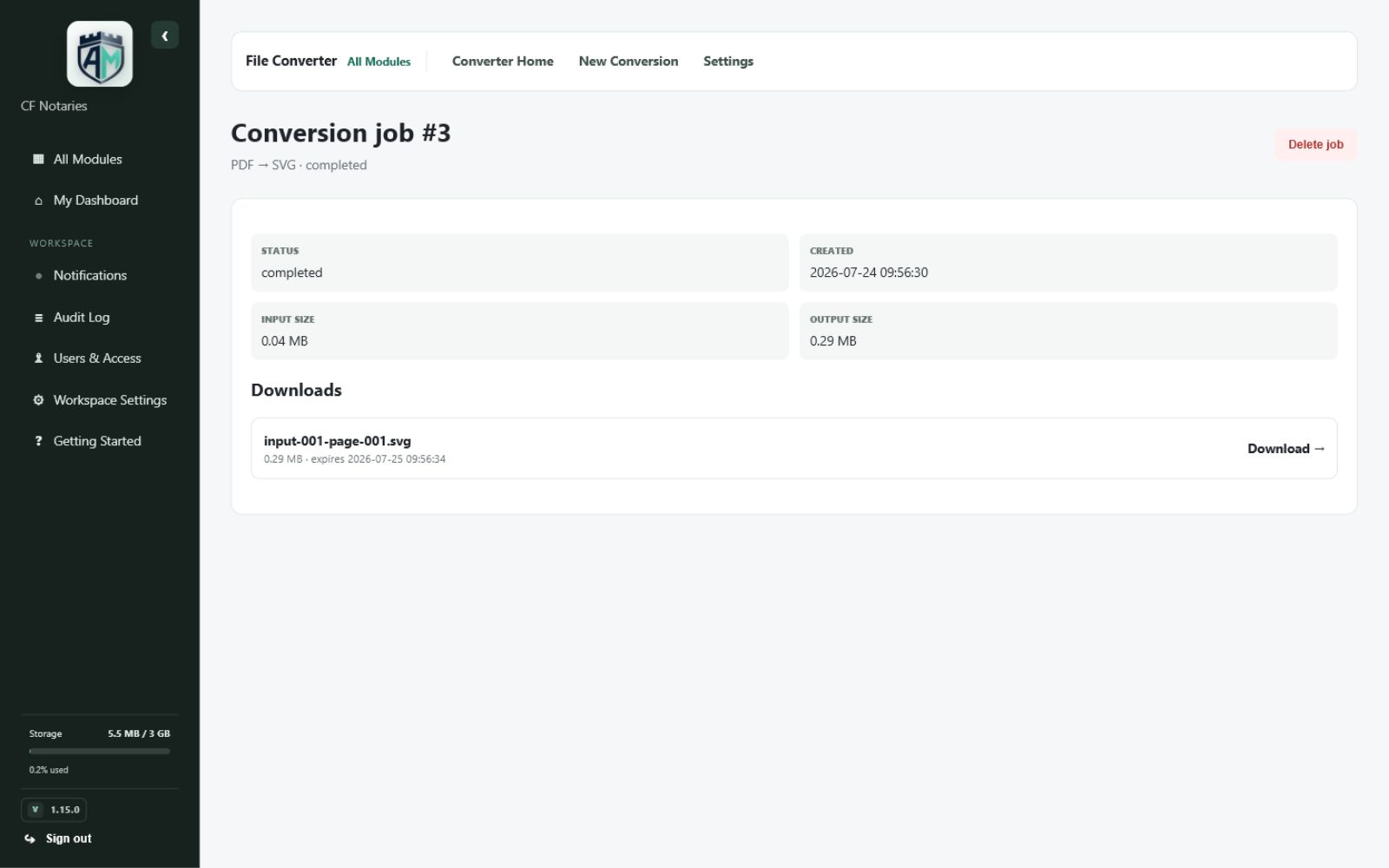
See the real Armory Mint experience.
Explore genuine views captured from the working module, from the main workspace through focused tools and completed results.
Part of the complete workspace
Useful alone. Better when connected.
File Converter shares the same responsive interface, account controls, permissions, business identity, and storage awareness as the rest of Armory Mint.
- One sign-in and business workspace
- Role-aware access for team members
- Mobile-friendly daily workflows
- Clear records, downloads, and audit context
Convert documents, vectors, images, media, data, archives, fonts, and subtitles.
Armory Mint is available through a private invitation with access tailored by module.